Minecraft Bedrock Edition players: the day has finally come! After years of anxious creeper jump-scares whenever you went to the menu, the March 2025 “Spring to Life” update has introduced a true pause feature in single-player. Curious how it works, why it’s a big deal, or what else is in the update? Read on for all the essential info.
What Changed? A Real Pause in Bedrock Single-Player
Since Bedrock Edition launched, opening the “pause” menu in single-player didn’t actually stop the game. This left players vulnerable to mobs, lava, or other dangers while they were browsing settings or stepping away—a frustrating difference from Java Edition, where pause means todo freezes.
“Have you ever jumped into the menu on Bedrock Edition, only to be jumped by a particularly sneaky creeper?” – Sophie Austin, Minecraft.net (fuente)
Now, as of March 2025, hitting the pause button in Bedrock Edition single-player actually halts gameplay. No more random damage while you’re tinkering with settings or grabbing a snack!
Version, Edition, and Compatibility
- Minecraft Version(s): Bedrock Edition, Spring to Life Update (March 2025 and later)
- Supported Platforms: Windows 10/11, Xbox, PlayStation, Nintendo Switch, iOS, Android (any device that runs Minecraft: Bedrock Edition)
- Game Mode: Single-player sólo (not available in multiplayer or realms!)
How to Use the New Pause Feature
- Enter single-player mode in Minecraft: Bedrock Edition (create or enter any world).
- Press the menu/pause button (ESC on PC, Start/Options on console/tablet).
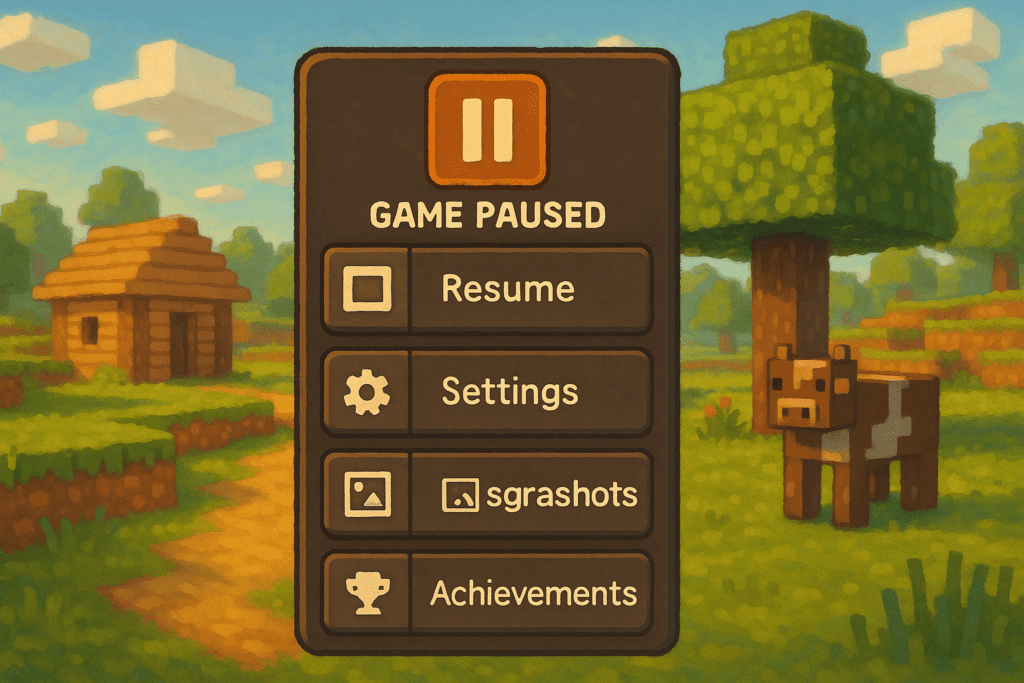
- You’ll see the menu screen—and now, your world is fully paused. Hostile mobs freeze, day/night stops cycling, and no damage occurs.
- Quit the menu to resume gameplay instantly from where you left off.
Nota: This pause function does not work if you’re playing multiplayer, on a server, or in a realm. In those cases, the game continues as before!
Extra: What Else Is New?
- Profile Page: Check out the new profile tab from the main menu that displays your player statistics, recent screenshots, and achievements—all in one place.
- Additional bug fixes and quality-of-life improvements as part of the “Spring to Life” update.
For details, see the official Bedrock Edition Pause Feature Support article.
Why This Update Matters
Veteran players have requested this feature for years. In Java Edition, pausing always froze gameplay unless you’d opened the world to LAN (local network multiplayer). Bedrock players, however, risked in-game dangers every time they paused—even in single player. The “Spring to Life” update finally brings Bedrock Edition in line with Java’s user-friendly experience, letting you take breaks without risking your progress.
Troubleshooting & FAQ
- Why doesn’t pause work in my world? Double-check that you’re in single-player mode—not in multiplayer or on a realm.
- Is this feature on Java Edition? Java Edition single-player has always paused gameplay by default. This update brings the feature to Bedrock only.
- I play on mobile—does this work? Yes! All platforms running Bedrock Edition get the improved pause menu.
What’s Next?
If you’re someone who’s been waiting for real pause, try it out and explore the new profile page! For more update breakdowns and Bedrock Edition tips, check out our Pocket Edition resource hub or see our step-by-step guides for surviving and thriving in any version.