Mojang has begun rolling out a small but critical hotfix for Minecraft Bedrock Edition auf Windows and PlayStation 5. Version 26.63 addresses a handful of frustrating bugs that slipped into the recent 26.60/26.62 updates, including a notorious loading freeze and multiplayer connection gremlins. The patch started reaching players on November 6, 2026, with the official changelog dropping a few days later, on November 11.
What’s Fixed in Bedrock 26.63?
If you’ve been tearing your hair out waiting for the game to load, or couldn’t join friends reliably, this update is for you. Here’s exactly what’s changed.
Windows Startup Crash (MCPE-243914)
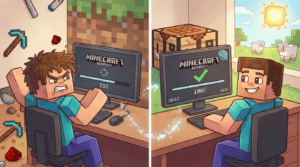
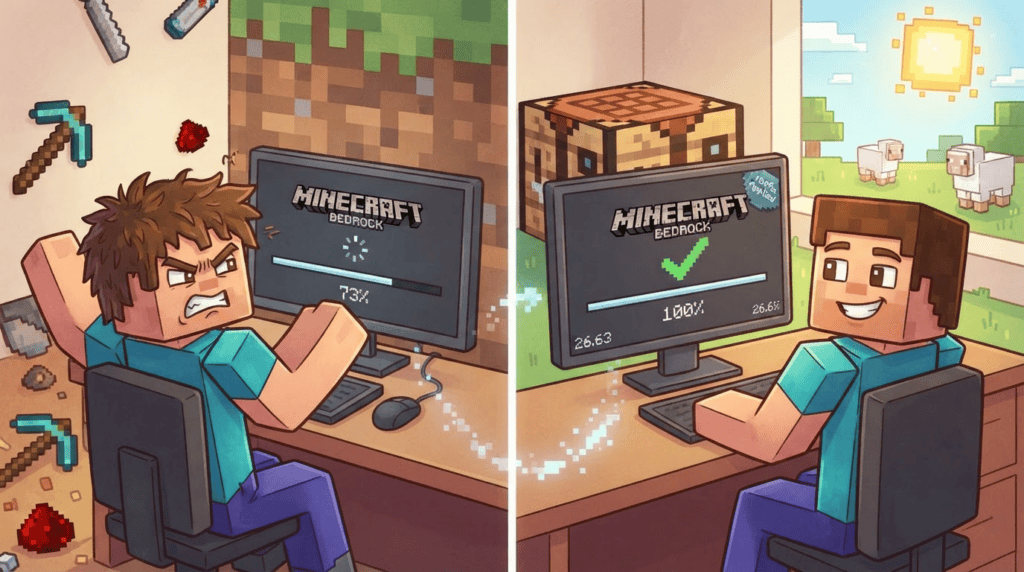
The headline bug: on Windows, the game would stubbornly freeze at 73% during startup, forcing players to kill the process and try again. Mojang confirmed the fix directly:
“Fixed an issue that could cause the game to get stuck at 73% during startup on Windows (MCPE-243914).” — Mojang Studios
This was tracked as MCPE-243914, and the hotfix should now let you glide past that loading screen without a hitch.
Multiplayer Connectivity Issue
Another sneaky problem: on a first connection to certain multiplayer experiences, some features would fail to work correctly. If you joined a server or a friend’s world and found that things like item drops, chest interactions, or even movement felt off, that’s been squashed.
Editor Mode Improvements
For creators using Pro Realms Editor, version 26.63 brings two quality-of-life tweaks:
- Editor projects now start with the simulation running the first time they load on a Realm, so you don’t have to manually trigger it.
- Worlds uploaded to a Realm now properly drop items from environmental destruction—like crops destroyed by water—just as they do in local worlds.
These changes make the Editor experience smoother for those designing custom adventures or minigames directly on Realms.
Platform Compatibility
This hotfix is exclusive to the following platforms and server types:
- Windows (build 53341386, internal version 1.26.6301.0)
- PlayStation 5 (internal version 1.063.000)
- Dedicated Bedrock servers (server version 1.26.63.1, protocol version 2225)
If you’re playing on iOS, Android, Nintendo Switch, Xbox, or Fire TV, this update isn’t relevant to you—those platforms are still on earlier builds. Keep an eye on your device’s store for future parity updates.
How to Get the Update
Updating is usually automatic if you have your device connected to the internet. If you don’t see it right away, try these steps:
- Windows (Launcher): Close the game and relaunch the Minecraft Launcher. The update should download. If it doesn’t, wait a few hours—rollouts can be gradual.
- PlayStation 5: Highlight Minecraft from the Home screen, press the Options button on your controller, and select “Check for Update.”
- Dedicated Server: Head to the official Bedrock server download page and grab the latest server software. Replace your old server files (back up your worlds first!) and restart.
Once updated, you’ll be on version 26.63, ready to build, mine, and craft without that 73% loading headache.
Staying on top of hotfixes like this one keeps your game stable and your multiplayer sessions smooth. If you’re hungry for more Bedrock guides—from installing texture packs to setting up a private server—browse our tutorials or check out our latest blog posts for update breakdowns. Happy crafting!