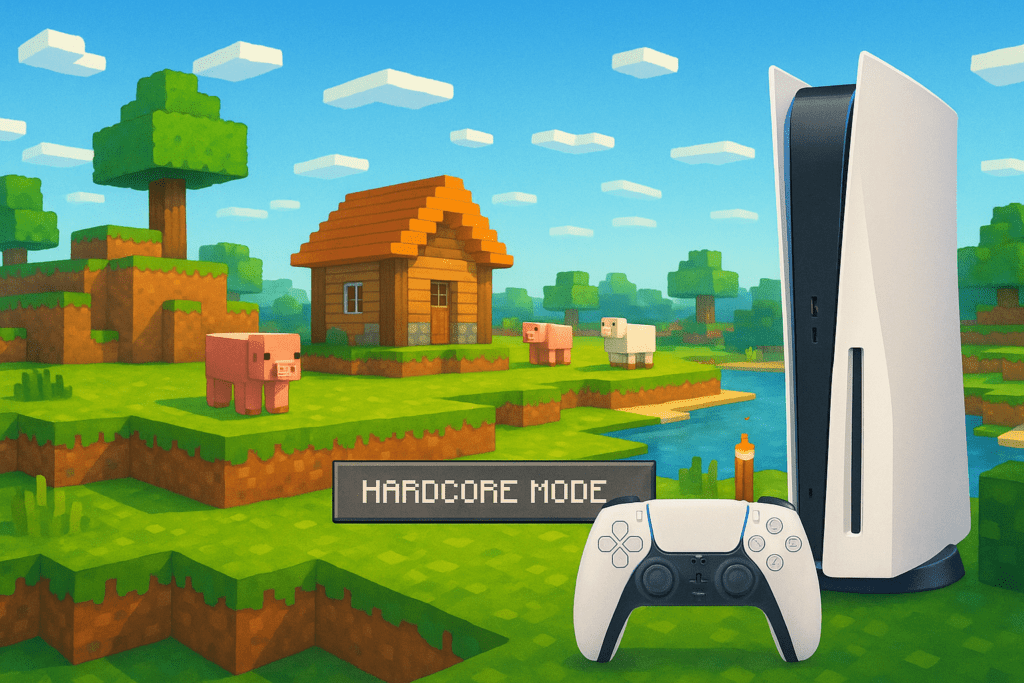
If you’ve been playing Minecraft on PlayStation and dreaming of a truly next-gen upgrade, it’s finally here! As of October 22, 2024, Mojang has released a full native version of Minecraft: Bedrock Edition designed specifically for PlayStation 5. This long-awaited update brings jaw-dropping performance boosts, upgraded graphics, and fresh features that truly make Minecraft shine on the power-packed PS5 hardware. In this guide, we’ll break down what’s new, how to upgrade, and what to expect from your new and improved console Minecraft experience.
What’s New in Minecraft for PlayStation 5?
- Native PS5 version: Built to take advantage of the console’s enhanced CPU and GPU, delivering smoother gameplay.
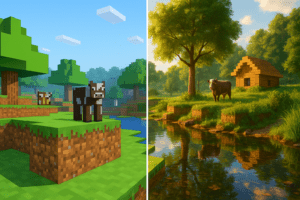
- 4K resolution at 60 FPS: Enjoy incredibly sharp visuals with a buttery-smooth frame rate, even while exploring massive worlds (verified for Bedrock Edition, PlayStation 5, released October 22, 2024).
- Enhanced Render Distance: See much farther than before, making vast builds and landscapes truly pop.
- ‘Bundles of Bravery’ update: Look out for new item bundles and the highly-requested Hardcore Mode—a challenging mode where you only get one life and no respawns.
- Easy World Transfers: Your old builds and adventures aren’t left behind—player saves from the PS4 version automatically carry over.
- Full crossplay: Play multiplayer with friends on any Minecraft: Bedrock Edition platform, not just PS5!
Compatibility and Requirements
- Edition: Minecraft: Bedrock Edition
- Version: Native PS5 release (October 2024)
- Modloaders: Not applicable (console version; mods unavailable). For mods, see our Minecraft Java guides.
- Who can upgrade? Anyone who owns Minecraft: Bedrock Edition on PlayStation 4 can claim the PS5 version for free through the PlayStation Store or with a physical game disc (with a PS5 disc drive).
- Crossplay: Supported with all Bedrock Edition platforms (including Xbox, Switch, Windows, and mobile).
How to Upgrade to Minecraft: PS5 Edition
- On your PS5, open the PlayStation Store.
- Search for “Minecraft” and look for the PS5 Edition.
- Claim the free upgrade:
- If you have the digital PS4 version, you’ll be offered an upgrade at no extra cost.
- If you have a physical disc, insert it into your PS5 (disc drive required) and follow the prompts.
- Install and launch the game. When prompted, your PS4 worlds and saves will transfer over automatically.
Have PlayStation Plus? Online Multiplayer is Ready
If you subscribe to PlayStation Plus, you’re all set for online multiplayer—try out the new cross-platform features with friends across all Bedrock platforms!
New Features Spotlight
Hardcore Mode Hits Consoles
For the first time, Hardcore Mode—previously exclusive to Java Edition—is available on console! In this high-stakes mode, you only get one life. If you die, it’s game over for that world. Ready for the ultimate challenge?
Bundles of Bravery
The PS5 version includes the ‘Bundles of Bravery’ update, adding thematic item bundles to spice up your survival or creative adventures. Details about the specific bundles are available in the in-game marketplace.
Recap: Why the PS5 Edition Is a Game Changer
- Massive visual improvements with 4K/60 FPS and more distant vistas than ever.
- Hardcore Mode and new item bundles mean exciting ways to play.
- Free, seamless upgrade for PS4 Bedrock owners—and you don’t lose your worlds.
- Crossplay keeps the community united!
This is the biggest leap forward for Minecraft on PlayStation since its first console release. Now that Minecraft finally takes full advantage of next-gen hardware, your builds, adventures, and friends all get a much-needed boost.
What’s Next?
Ready to dive in? Check out our Bedrock crossplay guide or explore our resource hub to get the most out of your new Minecraft PS5 experience!
Sources: GamingBible. Always download from official or reputable sources.