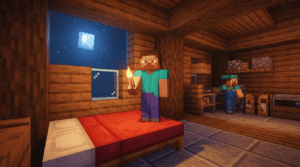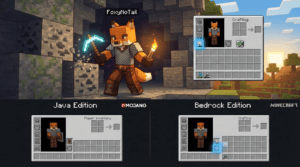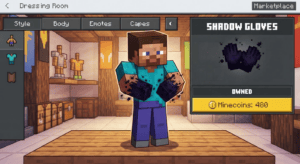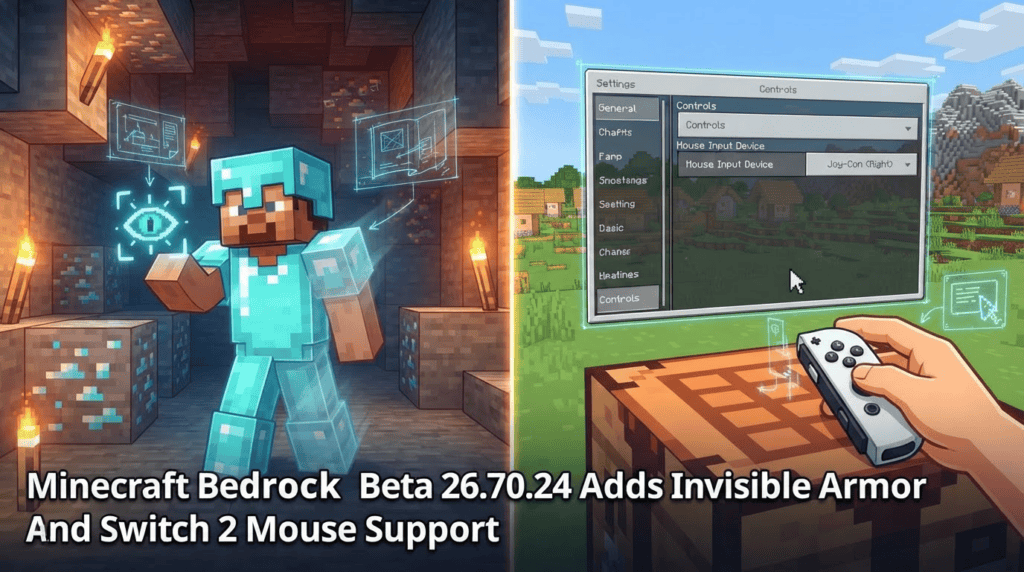
Mojang just dropped a fresh Beta & Preview build for Minecraft Bedrock Edition — version 26.70.24 is rolling out on November 10, 2026, as part of the fourth feature drop of the year. If you’re enrolled in the Bedrock Beta or Preview program on Windows, Xbox, PlayStation, iOS, or Android, you can now test a long-awaited quality-of-life setting: Invisible Armor. But that’s not all — the update also brings Nintendo Switch 2 Joy-Con mouse support, new tools for map makers via the Bedrock Editor, and a slew of bug fixes.
This article walks you through every new feature, shows you how to turn invisible armor on, and highlights the most important changes. As always with beta software, remember that these features are experimental and may change before the final release.
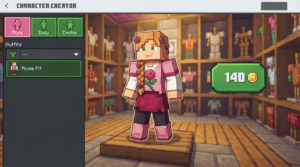
Invisible Armor: Hide your gear without losing protection
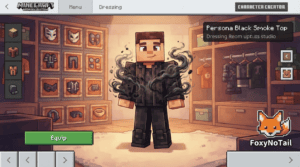
Ever crafted an awesome diamond set only to hide your skin underneath? The new Invisible Armor world setting lets you toggle equipped armor visibility on and off. It’s available in both newly created worlds and existing ones, and it works exactly like you’d hope.
“Enable Invisible Armor from the world settings for an existing world or the Advanced tab when creating a new world. Once enabled, use the eye button in the inventory to show or hide equipped armor.”
Here’s how to set it up in a snap:
- Open your world or create a new one.
- Gehe zu Einstellungen → Welt (for existing worlds) or the Advanced tab during world creation.
- Scroll to the Experimental Features oder World Options section and toggle Invisible Armor to ON.
- Back in the game, open your Inventar. Look for the little eye button — tap it to show or hide your equipped armor. The armor still provides full protection, you just won’t see it on your character.
This works in the Bedrock Preview/Beta 26.70.24, and it’s expected to land in the full release later. Remember, worlds with experimental settings may not continue seamlessly into future updates, so back up your saves before testing.
Nintendo Switch 2 Joy-Con Mouse Mode
If you’re among the lucky owners of the new Nintendo Switch 2, this build adds support for Joy-Con Mouse Mode. A dedicated settings page now lets you adjust sensitivity and button mapping when using a single Joy-Con like a mouse — perfect for precise aiming in survival or building. Note that this feature is currently only available in the Bedrock Preview on Nintendo Switch 2 hardware; other platforms won’t see the mouse settings.
Bedrock Editor gets a productivity boost
For creators tinkering with the Bedrock Editor (a powerful in-game world-editing tool), version 26.70.24 introduces a Guide Planes panel und world annotations. You can now drop text labels, simple drawings, or comments directly onto the world to mark locations or leave notes for teammates. Think of it like digital sticky notes inside your Minecraft builds. The editor is still in active development, but these quality-of-life additions make large-scale projects much easier to manage.
Other notable tweaks and fixes
A few smaller changes caught our eye:
- Flurry music disc — The title in the tooltip is now properly capitalized, so it reads “Flurry” instead of “flurry”.
- Undead immunity to freezing — Zombies, skeletons, and other undead mobs will no longer take damage from Powder Snow or the Freezing status effect. Fittingly, the cold never bothered them anyway.
- Brittle Ice and boats — “Sitting in a Boat no longer cracks Brittle Ice (MCPE-243674)” — a very specific but welcome fix for icy boating adventures.
Dozens of additional bug fixes squashed crashes and improved stability across the board. For the complete list, check the official changelog here.
How to join the Bedrock Beta / Preview
Not yet testing? Here’s a quick refresher:
- Windows & Xbox: Install the Xbox Insider Hub app and join the “Minecraft Beta” program.
- iOS: Download TestFlight and accept the Minecraft Beta invite (spaces are limited).
- Android: Opt into the beta directly from the Google Play Store listing for Minecraft.
- PlayStation: Use the Minecraft Preview app available on the store (separate from the main game).
Remember to back up your worlds before loading them in a beta build — unexpected behavior can corrupt saves.
What’s next?
With Invisible Armor being such a player-demanded feature, we’re crossing our fingers it graduates from experimental to a permanent toggle in the upcoming Drop 4 full release. Stay tuned to Micdoodle8.com for the latest Minecraft news, and if you’re diving into mods after this, check out our Mods section for some Java Edition goodness that pairs perfectly with fresh armor styles.